Create an Amazon EC2 Instance
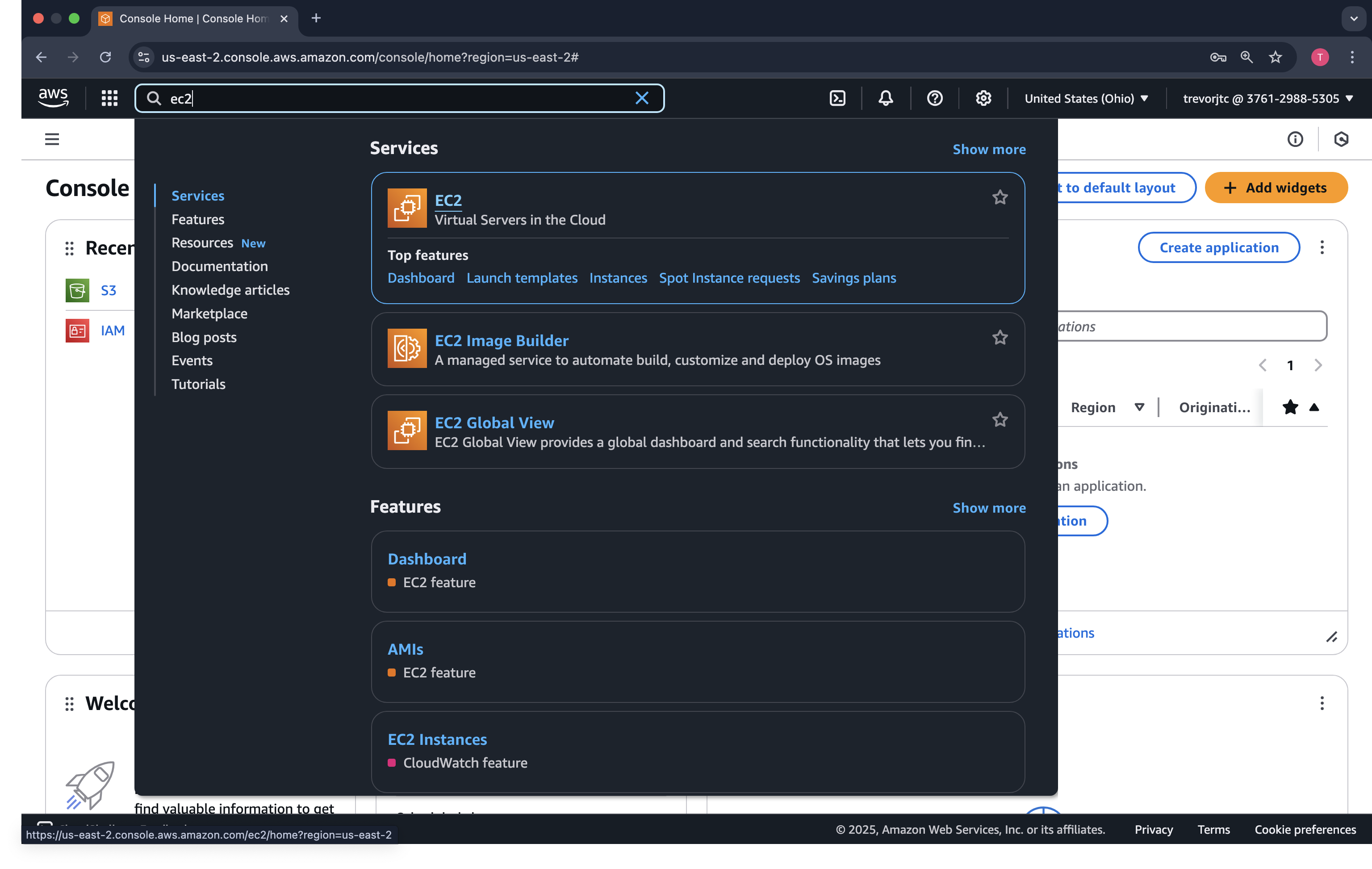
Let's go back to the AWS console and type ec2 in the search bar
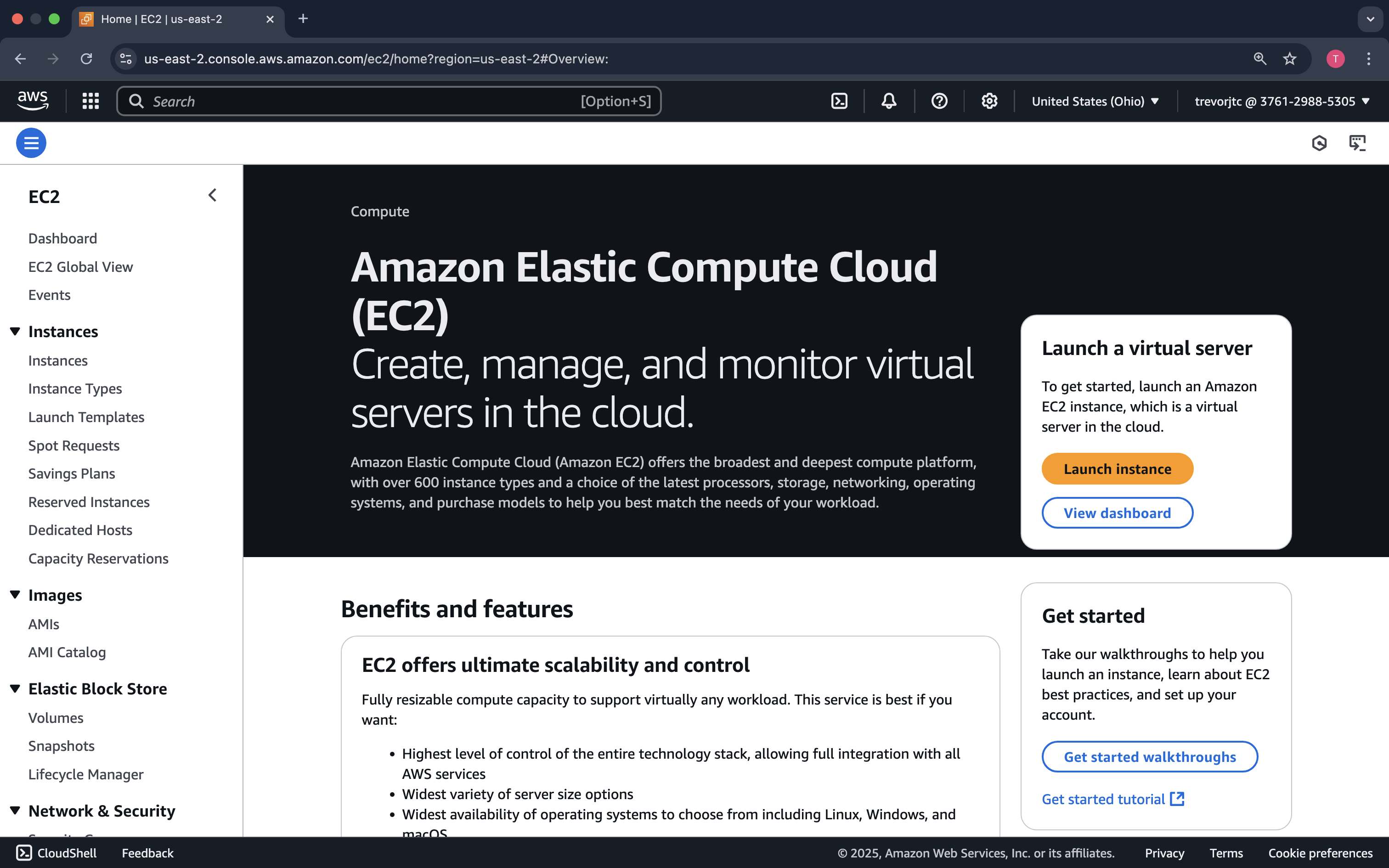
On the welcome screen, click Launch instance
Let's configure our EC2 instance!
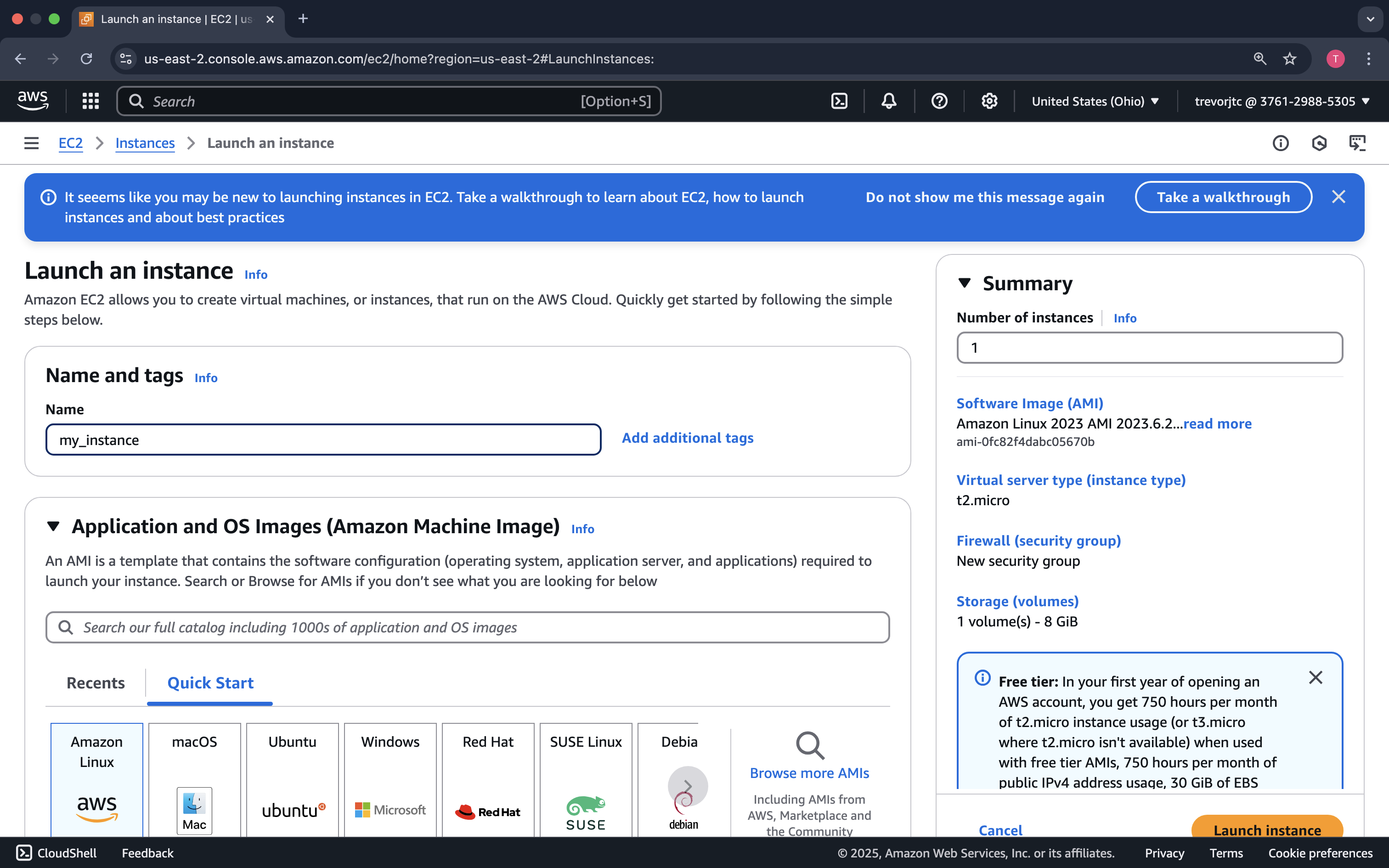
Give it a Name ex: my_instance.
Select the OS Ubuntu 24.04 LTS
Select the Architecture x86
Select the Instance type t3.small - this is not the free tier instance type, but we need 2 vCPUs for our lab, and the free tier instance type only has 1 vCPU.
For the Key pair click Create new key pair unless you have an existing one in the dropdown box (select .pem unless you're using PuTTY on Windows). If you created a key pair, the private key pem/ppk file will automatically download.
In Network settings, make sure Allow SSH traffic from is checked and in the dropdown box, select My IP
Finally, click Launch instance
Now, as developers, who enjoyed all that pointing and clicking?...perhaps, there is a better way!
ALWAYS delete your test EC2 instances, especially if they have public IP addresses.
Before we try running our pipeline as a container on our instance, let's see how we can simplify running containers at scale with a technology called Kubernetes.